What the device does
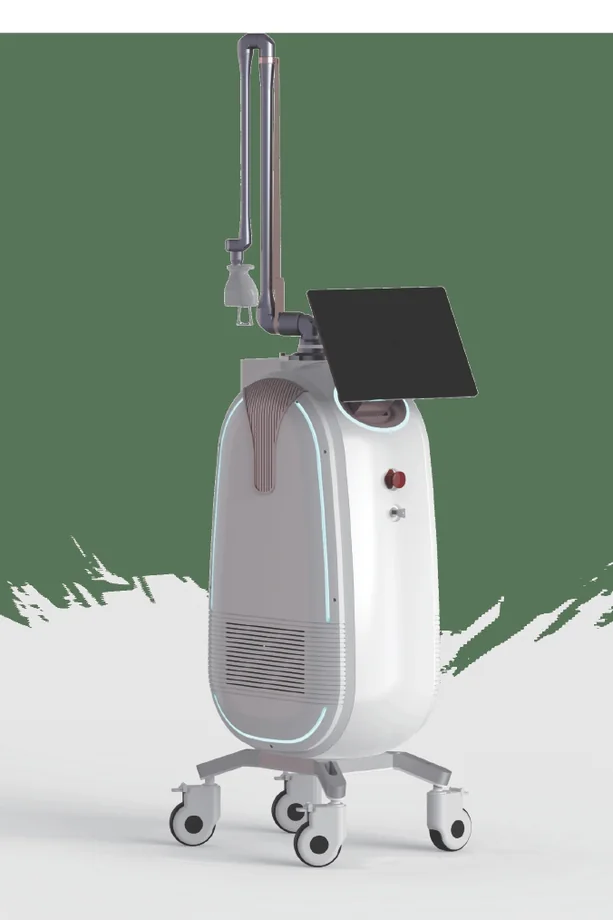
Android CO2 platform with scanning, surgical and gynecological modes plus articulated 7-joint arm. It turns skin work into a structured consultation: diagnosis, protocol selection, course planning and visible follow-up.
K106Pro is a 60 W fractional CO2 platform with scan, surgical and gynecological modes, designed for resurfacing, scars, pores, stretch marks and precise CO2 work.
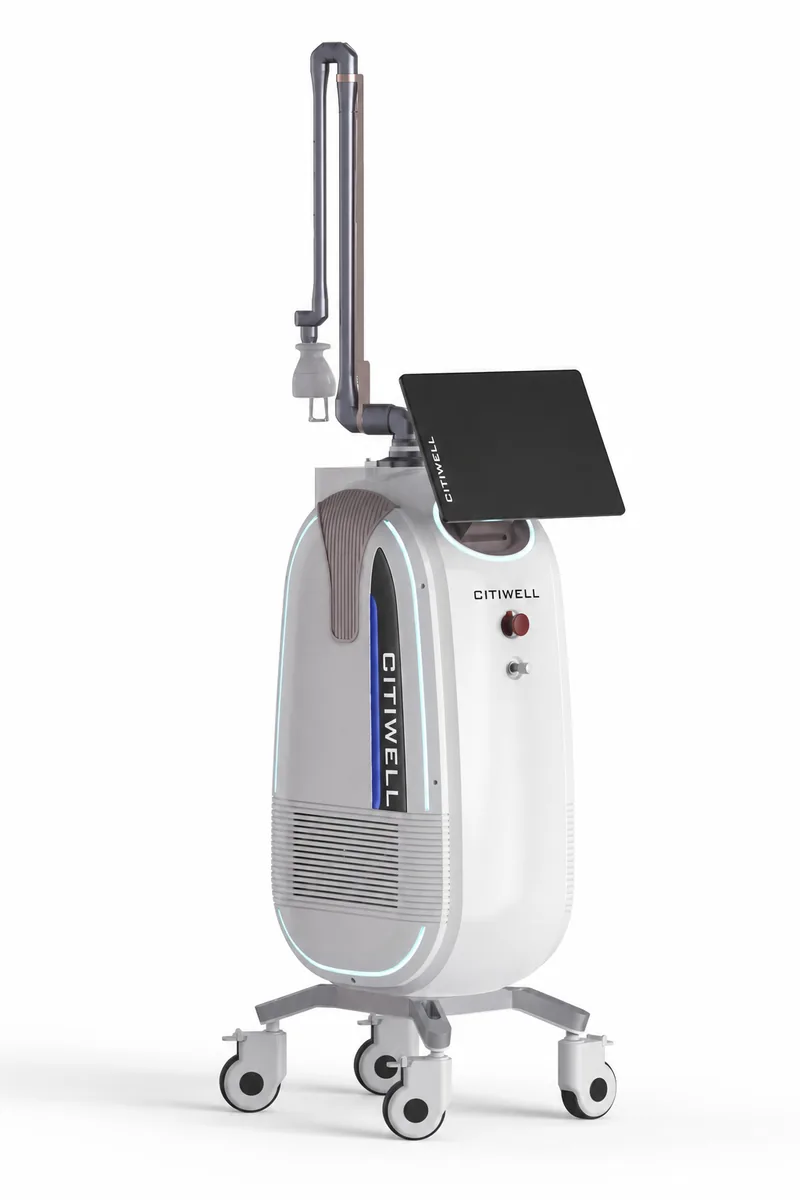
Android CO2 platform with scanning, surgical and gynecological modes plus articulated 7-joint arm.
Android CO2 platform with scanning, surgical and gynecological modes plus articulated 7-joint arm. It turns skin work into a structured consultation: diagnosis, protocol selection, course planning and visible follow-up.
Useful for consultations and treatment plans because it creates visible skin-care logic beyond one isolated procedure.
Price is shown before delivery, customs, installation, consumables and training.
Citiwell Training Center includes courses that cover this device in practice: treatment logic, safe settings, client consultation, service launch and daily operating discipline.
Advanced resurfacing course for scars, texture, pores, wrinkles and controlled ablative protocols.
View courseSend a request for operating documentation, delivery estimate, installation conditions or training package for this model.
Scan, surgical and vaginal modes let the same platform cover aesthetic resurfacing, cutting work and intimate protocols.
Fractional, ablative and mix modes support regular and irregular treatment shapes, so the practitioner can adapt the field to the skin zone.
The 7-joint arm, 10600 nm wavelength and RF-excited CO2 tube are key elements for accurate beam delivery and serviceable operation.
Below are the body views, working elements, applicators, interface screens and internal details that matter for daily use of this model.
Handpieces, applicators, tips, control screens, internal views and treatment schemes are grouped here only when they help explain how the model is used.
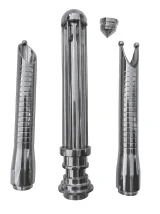
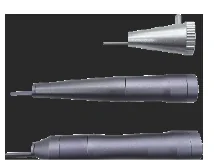
Handpieces, applicators, tips, control screens, internal views and treatment schemes are grouped here only when they help explain how the model is used.
Tap the information icon to see what the parameter means in real work.